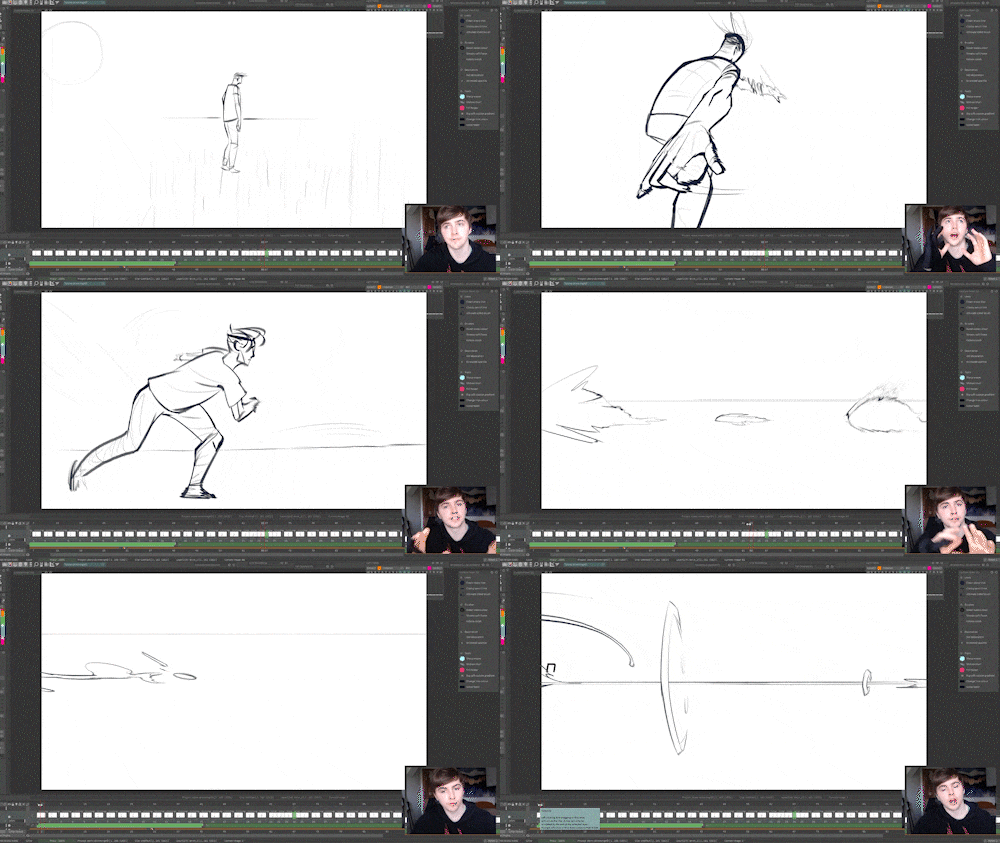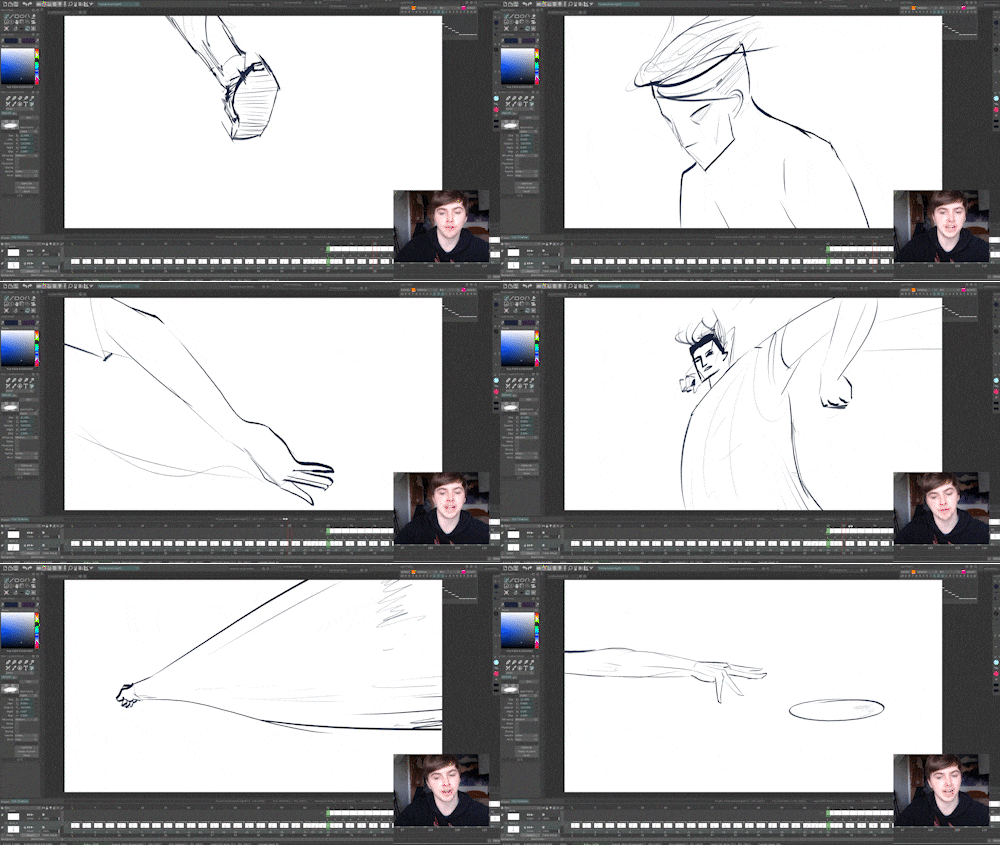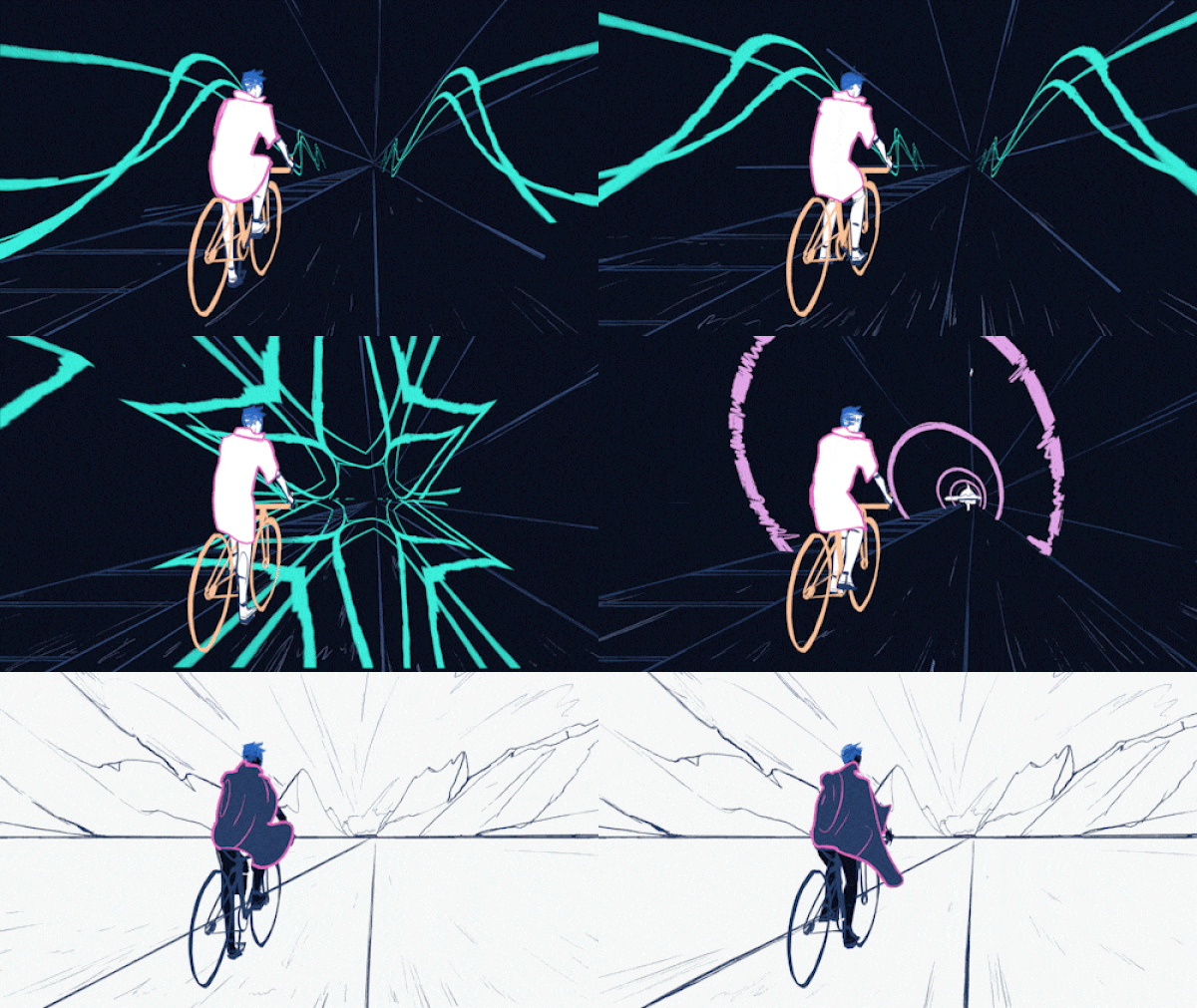
The Reference Process


How to make the most of your reference footage, step-by-step
by Howard Wimshurst
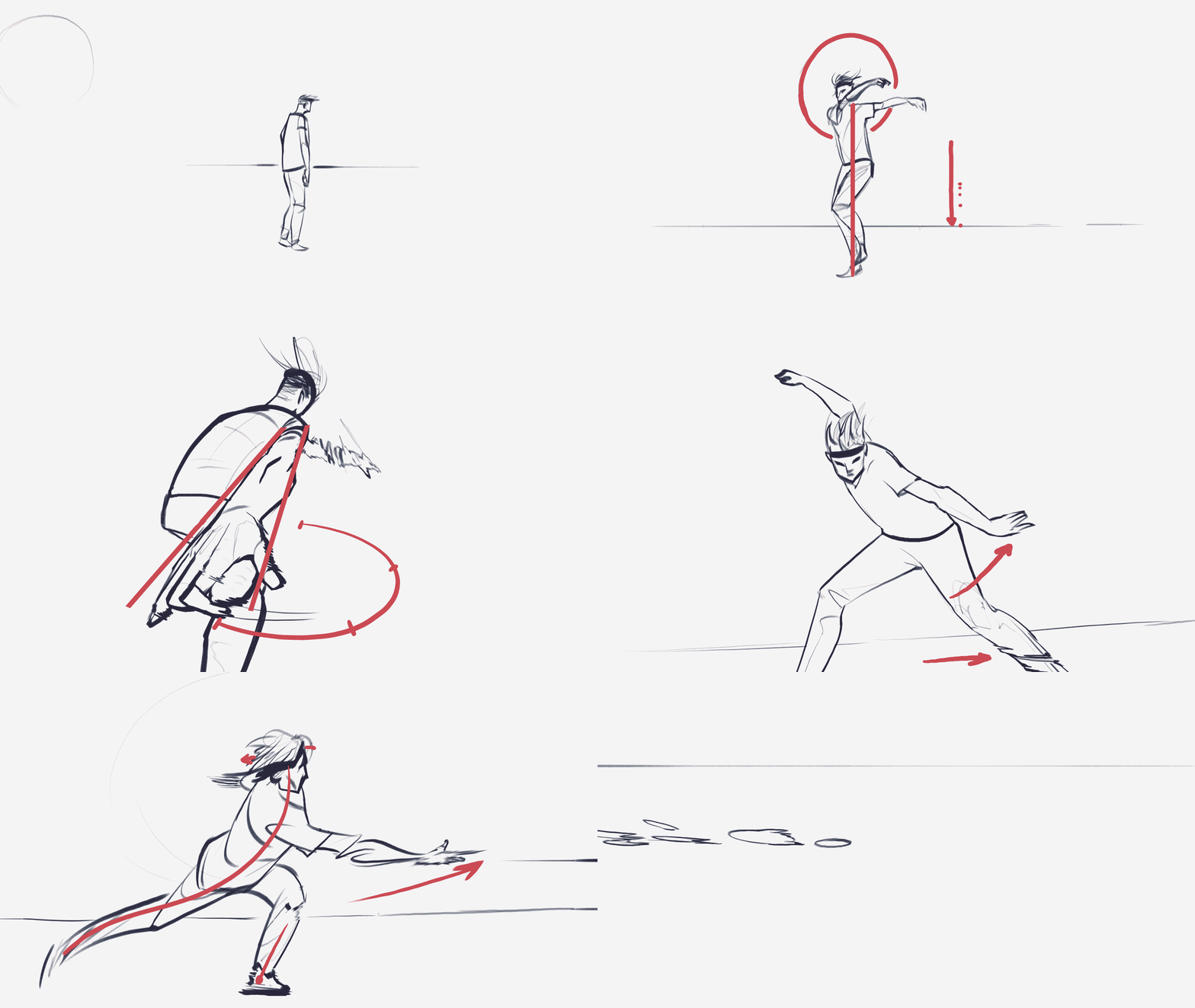
Reference process diagram: stone skim exercise Watch a Sample Lesson See Course Buying Options

Learn to:


Obtain the best reference footage

Creatively capture references

Extract the best poses

Ascend the 3 levels of interpreting reference footage

Animate believable character performances​

Re-time keyframes to look dynamic

+ It's a great way to adopt another animator's style - for those wanting to work in studios.​

Learn in 3 EXERCISES

Reference footage is a crucial process in creating a convincing piece of animation.
​I show my step-by-step process for finding, creating and interpreting reference footage.

The course takes you through 3 levels of progressing difficulty.
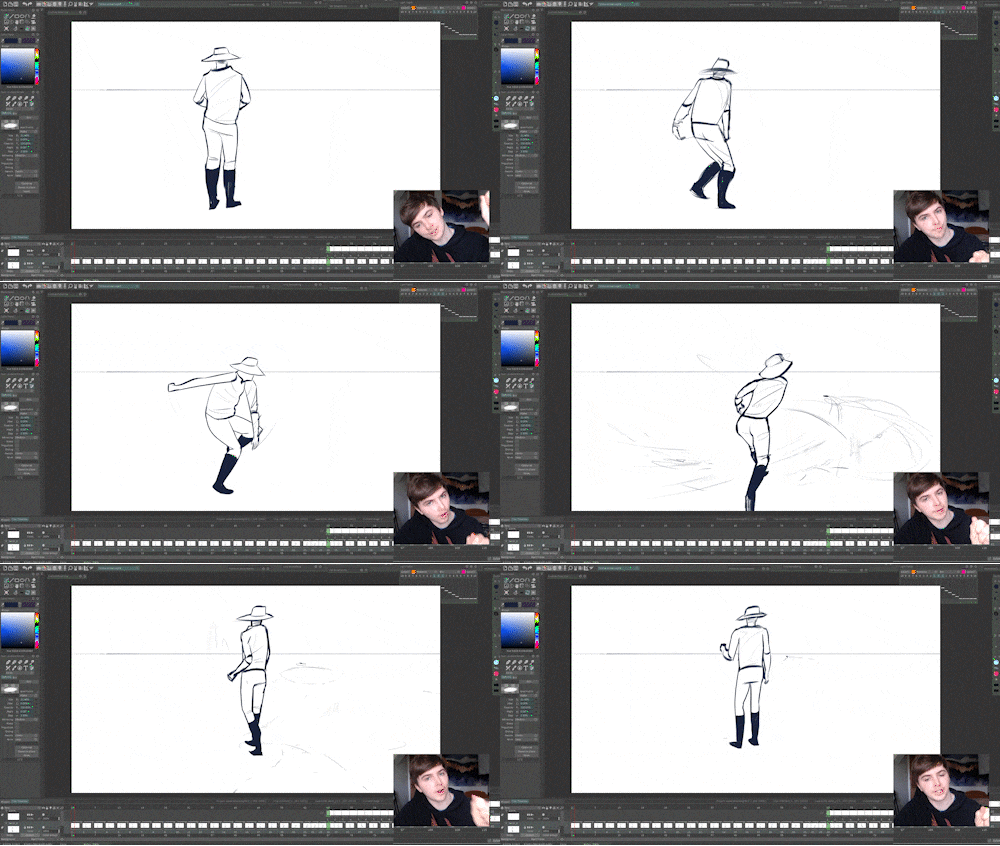

Level 1: Observed Keys

Reference process level 1: observed keys animation

Level 2: Source stitching

Reference process level 2: source stitching

Level 3: Creative interpretation

Reference process level 3: creative interpretation

ASSIGNMENTS

Reference Process course assignment example

3 Hand-picked assignments throughout the course to exercise your creativity and introduce new animation concepts. The assignments build in difficulty as the course progresses. Watch your portfolio grow as you make your way through these chapters.
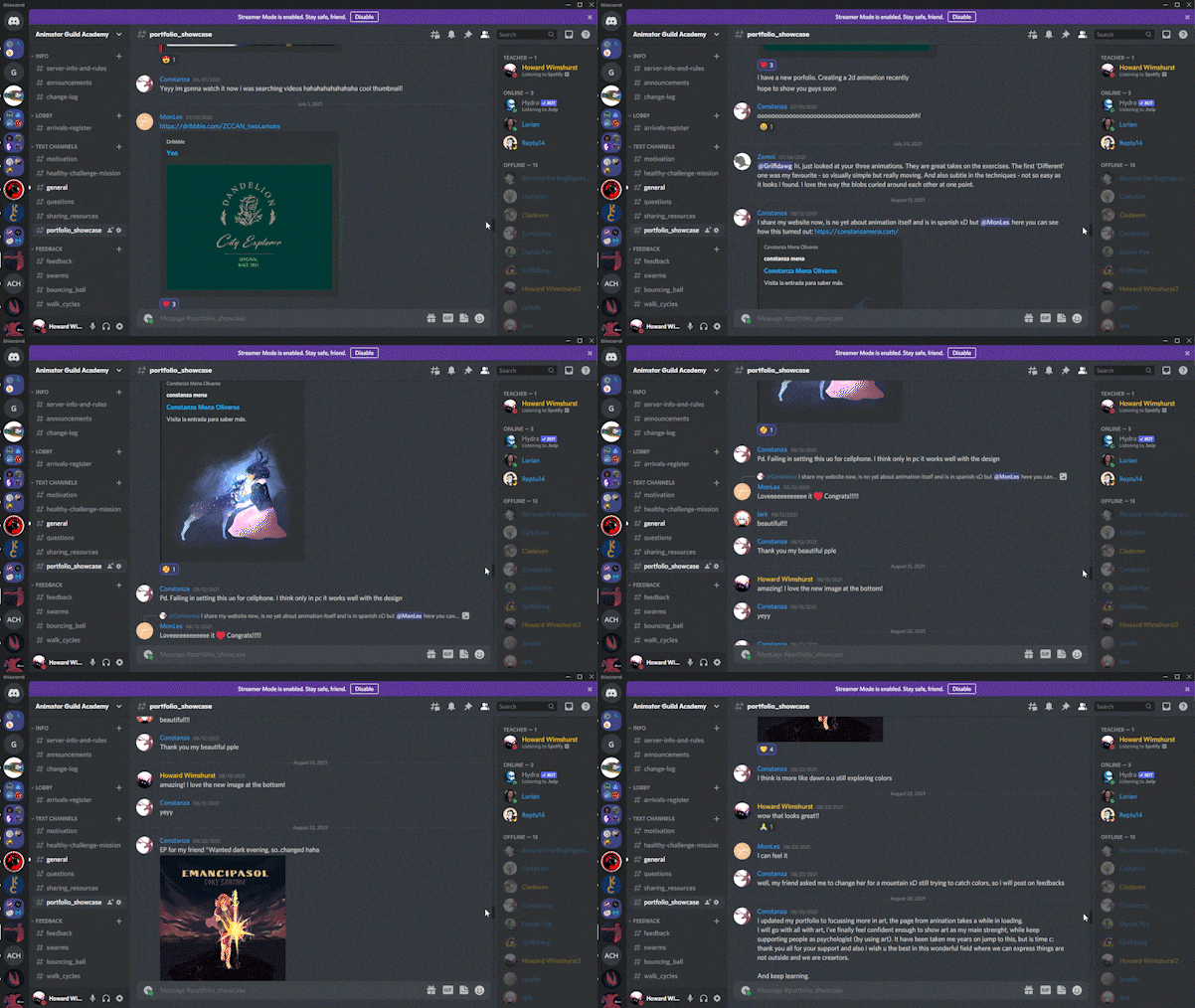
EXCLUSIVE COMMUNITY

Animator Guild Discord community

Connect with other like-minded students in our private Discord server. This is a dedicated server where students can exchange resources, feedback, job postings and hold each other accountable to our goals.

Course Requirements


These are more like recommendations. No one will be turned away, but following these recommendations will help you to get the most out of the course.
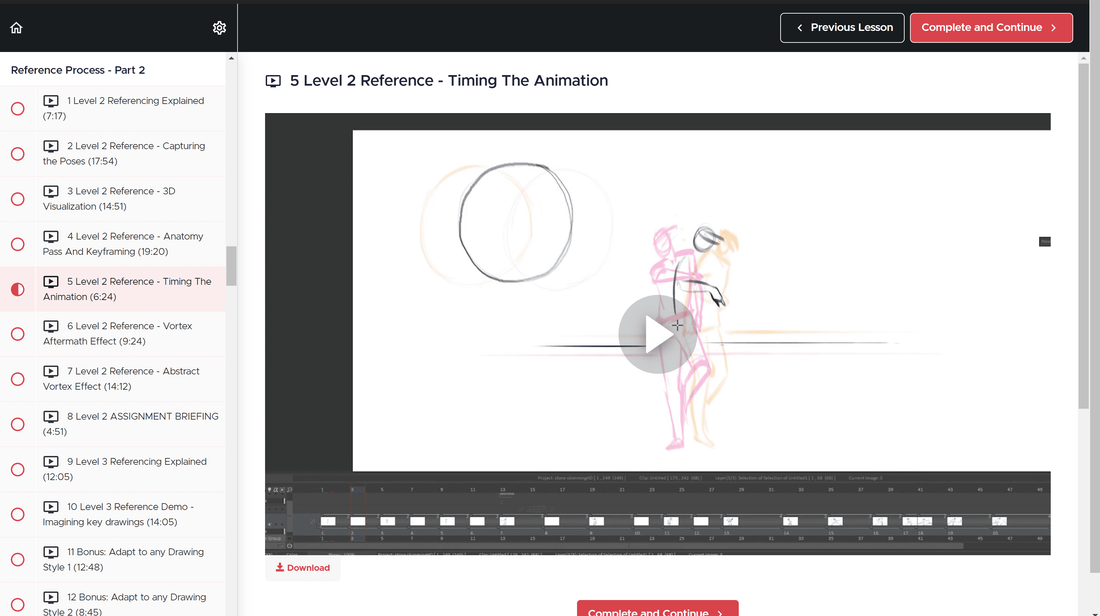
Reference Process course sample lesson screenshot

☑ Animation Software

  • This course does not teach software. Sometimes you might need to adapt your approach if you don't have TVPaint.
  • The best software to use with this course is TVPaint (because that's what I use), but other inferior software will be sufficient. These are mostly frame by frame principles.
  • My pipeline after the animation phase includes Adobe Photoshop (for backgrounds), After effects (for compositing) and Premiere (for sound and final edit). There will be times in the course where I show you how I use these extra software.
  • ☑ A Working Graphics Tablet

  • You are expected to have a ​working graphics tablet. Any will do.
  • ☑ Basic Drawing Ability

  • These Basic drawing fundamentals are taught in my previous course. We also have a refresher seminar inside Mastering Motion to help you remember.
  • ☑ Understand the 12 Principles

  • A rudimentary understanding is helpful to get the most out of the lessons. There is a refresher seminar inside Mastering Motion to help you remember.

  • Not ready? Take my other course GETTING STARTED IN 2D ANIMATION

    READY?

    Getting Started course mockup

    NEED TO LEARN THE BASICS?

    I have made a comprehensive course which will get you up to speed with the foundations of animation, drawing, storyboarding, software and more.

    LEARN MORE